Map to STL: the terrain of any place, ready for your slicer.
Pick an area on the map and Printed Canyon turns its elevation into a printable mesh. Download STL or 3MF for printing, with a GLB for viewing.
Pay what you want. Digital files. No account.
From map to STL in four steps
- Step 1
Choose the area
Search for a place, type in latitude and longitude, pick a country or US state, or open a famous place. Upload a GPX file instead to put a route on the terrain.
- Step 2
Set size and detail
In the model studio, choose a base shape and model size, then adjust elevation, smoothing and resolution while the 3D preview updates.
- Step 3
Generate the files
Select Review & export, tick STL, 3MF or both, and generate. Name your price at checkout; $0 is accepted.
- Step 4
Slice and print
Import the file into your slicer in millimeters, confirm it fits the bed, and print it yourself or through a printing service.
What the STL file contains
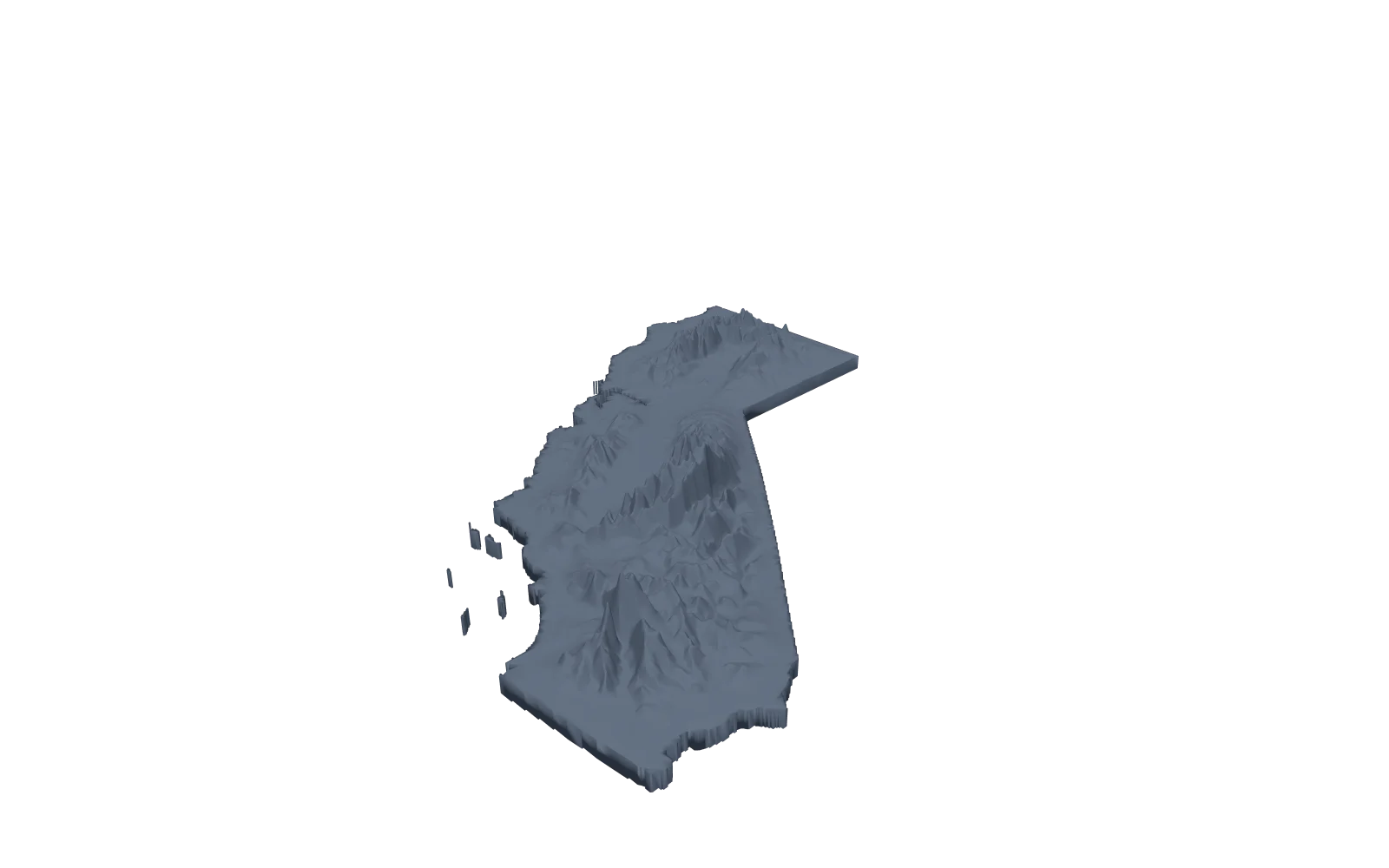
The file is a terrain mesh. The ground surface of your area is scaled to your model size and sits on a base in the shape you choose: square, rectangle, circle, oval, triangle, or an outline you draw or upload as KML or GeoJSON. A state model is cut to the state outline.
By default a city appears as the landform beneath it. Turn on City features to add buildings, roads, water and greenery for an area up to 30 km across; see 3D printed city maps. Map labels are never included.
With a GPX route, the track can be raised above the surface, recessed into it, or exported as a separate part. See GPX to STL for route models.
STL, 3MF, OBJ, GeoTIFF or GLB: which file to use
Tick the files you want in Review & export. A GLB comes with every model.
- STL
- The most widely supported mesh format for slicers and a good choice for single-color prints. STL files carry no units, so import them in millimeters. With a separate route part, the terrain and route arrive as two STL files.
- 3MF
- One file that can hold several objects. When the route or water is a separate part, each part stays separate inside it, ready for its own filament.
- OBJ
- A mesh for Blender, Maya and other 3D apps, in millimeters with Y up. The terrain and a separate route are named objects.
- GeoTIFF
- The elevation grid of the model area in meters, georeferenced for QGIS and other GIS apps. It is data, not a printable model.
- GLB
- Included with every model for viewing in a browser, a 3D viewer or AR. Slice the STL or 3MF, not the GLB.
How size and resolution affect the mesh
Model size is the longest side of the model in millimeters. Changing it scales the whole model, relief and base included, but does not add detail.
Resolution, under Advanced terrain settings, controls how many elevation samples span the terrain. Raising it adds triangles and finer relief, makes the file larger and takes longer to generate. Very high settings are reduced to keep the mesh within a size limit.
The samples are spread across the whole area, so a single mountain gets more detail per kilometer than a state. Detail also depends on the elevation source used; each download credits its source.
Open it in your slicer
Import the STL or 3MF and compare its dimensions with the ones the studio showed. Make sure the model lies flat and fits the bed, then check that the layer preview shows the relief you expect. If it is too large, lower Model size and generate again.
Map to STL questions
Can I convert a map image or screenshot to STL?
No. Printed Canyon builds terrain from elevation data for a location, not from the colors in a screenshot. Search for a place or enter coordinates to choose the area you want to model.
Is the map to STL converter free?
You can download for $0. Printed Canyon is pay what you want, so paying is optional, and you do not need an account.
Does the model include buildings or streets?
Yes, if you turn on City features in the model studio for an area up to 30 km across. Buildings are plain blocks from each footprint and height, and roads, water and greenery are thin layers, each a separate part for multi-color printing. Map labels are not included.
Which places can I convert?
Anywhere you can find with place search or coordinates, plus any country or US state as a whole. Detail depends on the elevation data for the area and on how large the area is.
What resolution should I use?
Start with the default and raise Resolution only if the preview looks too coarse for your model size. Higher values take longer to generate and produce larger files.
Do you print or ship the model?
No. You download digital files and print them yourself or through a 3D-printing service. Nothing is shipped.
For help making a physical print from your files, see 3D printed topographic maps. Have a recorded route? Use GPX to STL. Or browse states and famous places.
Replacing Map2Model? Compare its terrain and city workflows with Printed Canyon.